Stretching Break Ideas for Desk Days

Long desk days can leave your neck, shoulders and legs feeling stiff, whether you sit all day or are shopping for the best under desk walking pad to keep moving. Whatever your setup, short stretching breaks are an easy way to loosen up. Here are simple ideas you can fit into your day, starting with the gentlest ones.
By about 2 p.m. on a desk day, I usually notice it. By mid-afternoon, your shoulders may have crept up toward your ears, your neck may feel stiff, and the numbers on the spreadsheet may start to blur. For a while I thought the fix was a big workout after work. It helped, but it didn't do much for the hours I was actually sitting.
What changed things for me was much smaller: short, gentle movement breaks spread through the day. Nothing fancy. No special clothes, no sweating through your shirt before a meeting. Just a minute or two of moving like a person again.
Here are the desk stretch break ideas I actually use, plus a few honest notes on what works and what I'd skip. Keep everything easy, since these are easy workout ideas and not a test.
Short on time? Our top picks: Stretchly, Stand Up! The Work Break Timer, Apple Watch and Fitbit. See all picks
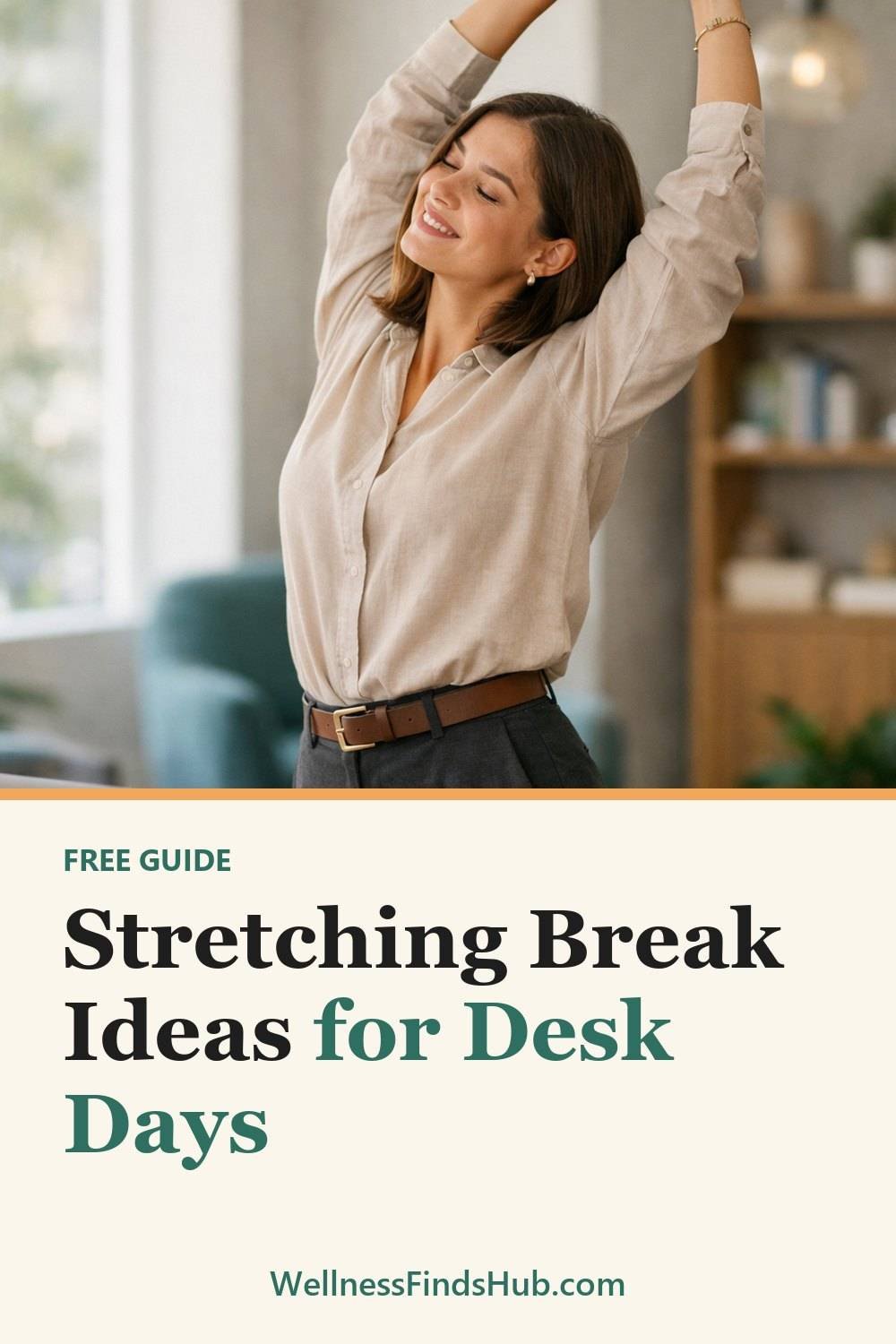
1. Stand Up Once an Hour (Easy Desk Stretch Ideas for Beginners)
This one sounds too simple to count, but it's the base everything else builds on. If you only do one thing from this list, make it this. Standing up changes your position, gets your legs working a little, and reminds your body it isn't a chair.
The hard part is remembering. When I'm focused, an hour turns into three without me noticing. So I stopped trusting my memory and set a quiet timer on my phone, and an app like Stand Up! The Work Break Timer is one example of that kind of reminder. When it goes off, I stand, even if I sit right back down thirty seconds later.
Practical tip: Pick a gentle alarm sound. A loud beeping alarm made me jump and then ignore it out of annoyance. A soft chime works better, and you're more likely to listen to it.
2. Roll Your Shoulders Slowly
Shoulder rolls are a good go-to when you feel tension building while typing. Sit or stand tall, then lift your shoulders up toward your ears, roll them back, and let them drop down. Do a few slow circles backward, then a few forward.
The key word is slowly. A common mistake is rushing through these stretches as if you're trying to finish fast, which does almost nothing. When I slowed down and paid attention, I could actually feel where I was tight.
You can do these during a phone call or while a file loads. Nobody really notices, and if they do, they'll probably copy you.
Practical tip: Breathe out as your shoulders drop. It sounds small, but pairing the movement with a breath helps your shoulders actually relax instead of staying half-raised.
3. Reach Your Arms Overhead and to the Side
After a long stretch of typing, my arms feel like they've been folded in front of me all day, because they have. A simple overhead reach opens things back up. Lace your fingers, turn your palms up, and reach toward the ceiling. Hold for a few easy breaths.
Then try a side reach. Raise one arm and lean gently to the opposite side, just enough to feel a mild stretch along your side. Come back to center and switch.
Don't force any of it. You're looking for a "that feels nice" stretch, not a "why did I do that" stretch.
Practical tip: If you have a rolling chair, stand up for side stretches. Leaning sideways in a chair with wheels is how I once ended up sliding into my filing cabinet.
4. Take a Short Walk Away From Your Desk or on an Under Desk Walking Pad
A walk doesn't have to mean going outside or getting a step goal. A lap around the room counts, and so does a walking pad for a standing desk if you already own one. So does walking down the hall, to the kitchen, or to the farthest bathroom instead of the closest one.
It helps to tie walks to things you're already doing. Refilling my water glass, grabbing the mail, walking while I'm on a call that doesn't need my screen. It doesn't feel like an extra task that way.
If you work from home, a few minutes outside can feel like a reset button. Even standing on the porch for a bit helps me come back clearer.
Practical tip: Use a smaller water glass. You'll need to refill it more often, which gives you a built-in reason to get up and walk.
5. Give Your Eyes a Break
This isn't a stretch in the usual sense, but my eyes get as tired as my back on screen-heavy days. Every so often, look away from your screen and focus on something far away. Out a window is best. Across the room works too.
It's easy not to take this one seriously at first. Then I noticed that after a few minutes of looking out the window, my face felt less tense. You may not even realize you're squinting.
If you have ongoing eye strain or headaches, that's worth bringing up with an eye doctor. A break helps with comfort, but it's not a fix for a real problem.
Practical tip: Blink a few times on purpose while you look away. When I'm focused on a screen, I catch myself barely blinking at all.
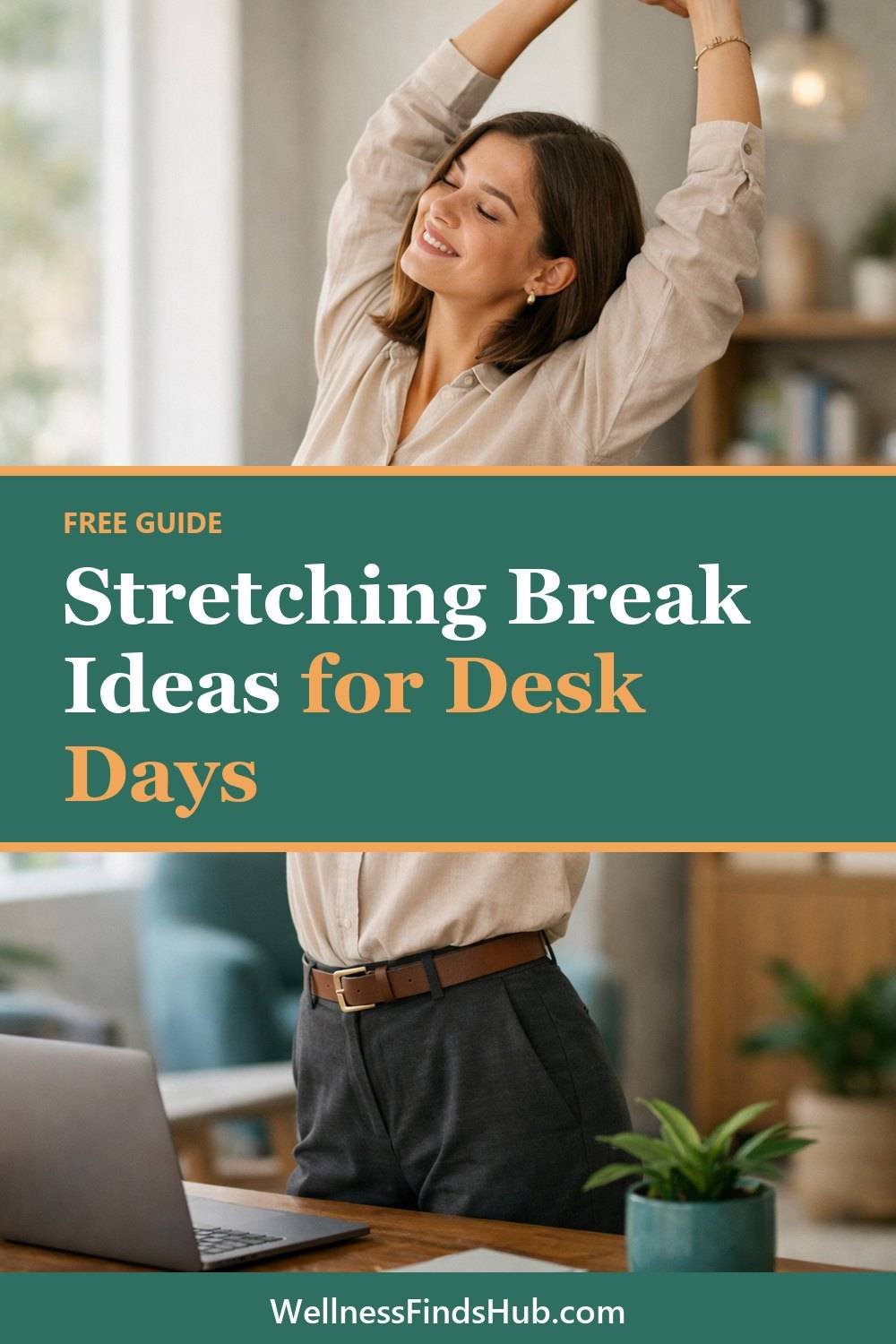
6. Do a Gentle Neck Stretch
Neck stiffness can creep up when you lean toward your screen. A gentle neck stretch can feel great, but this is one where I'd go extra slow.
Sit tall and let one ear drift toward the shoulder on that side. Don't pull your head with your hand. Just let gravity do a little of the work, hold for a few breaths, then switch sides. You can also look slowly left and right, like you're checking for traffic.
Honestly, I'd skip full neck circles. Lots of people do them, but they always felt a bit cranky to me, and the side tilts give me the same relief without that worry.
Practical tip: Check your screen height while you're at it. If you're always looking down, a stack of books under your laptop might help more than any stretch.
7. Stretch Your Wrists and Hands
All that typing and mouse clicking adds up. Try a few hand stretches when your fingers start feeling stiff. Open your hands wide and spread your fingers, then make a loose fist. Repeat a few times.
You can also gently roll your wrists in slow circles, both directions. Keep it soft and easy. If something tingles, feels numb, or keeps hurting, stop and talk to a doctor or physical therapist instead of trying to stretch through it.
If you like having ideas planned out ahead of time, I've put together a free set of 3 Meal Prep Idea Cards for breakfast, lunch, and dinner, which you can grab by joining the email list. They pair nicely with desk days, since a planned lunch is one less thing to think about.
Practical tip: Do a hand stretch every time you hit send on a big email. It turns a small win into a small break.
8. Try a Seated Leg Stretch at Your Desk
Your legs get stiff from sitting too, especially the backs of your thighs. A simple seated stretch: sit near the edge of your chair, put one foot flat on the floor, and stretch the other leg out in front with your heel on the ground. Sit tall and lean forward just a little until you feel a light stretch.
Hold for a few breaths, then switch. You can also just flex and point your feet a few times under the desk. This one is easy to do constantly, especially while you're thinking.
Practical tip: Make sure your chair is steady and not near the edge of a rug or anything slippery before you scoot forward.
9. Stop If Anything Hurts
This is the one rule I won't bend. Stretching breaks should feel good or neutral. If a movement causes sharp pain, pinching, or anything that makes you wince, stop. Never push through pain to finish a stretch.
Mild stiffness that eases as you move is normal for me. Pain that sticks around or gets worse is different. If you have an injury, a health condition, or pain that keeps coming back, check with a doctor or physical therapist before adding new stretches.
On low-energy days, I scale way back. Sometimes my whole break is standing up and rolling my shoulders twice, and that's fine. If you like having easy options ready for those days, the Low-Energy Workout Cards and Tracker below this post were made with that kind of day in mind.
Practical tip: Keep a quick note of which stretches feel good and which don't. Over time you'll build your own short list and stop wasting breaks on moves you dislike.
Tools That Can Help With Desk Stretch Breaks
You don't need gear to stretch at your desk, but a few simple tools can make the habit easier to keep. Here are some well-known options to consider.
Stretchly
A free desktop break reminder app that suits people who work on a computer all day and keep forgetting to move. Check which operating systems it supports and how the reminders look before you rely on it.
Stand Up! The Work Break Timer
A phone app built around reminders to stand up and take short breaks. It suits people who prefer a nudge on their phone over a desktop program. Check the notification settings so the alerts are gentle enough that you won't just dismiss them.
Apple Watch
A smartwatch that can tap your wrist with a reminder to stand. It suits people who already use Apple devices and like quiet, private nudges. Check that it works with your phone model and whether you want another device to charge.
Fitbit
A line of wearable trackers that offer reminders to move during the day. It suits people who like a simple band on the wrist more than a full smartwatch. Compare the models to see which reminder options are included.
Calm
A wellness app with guided breathing and relaxation content. It suits anyone who wants to pair a stretch break with a few slow breaths. Check which content is free and which needs a subscription.
TheraBand
A well-known maker of resistance bands, handy for gentle shoulder and arm work if you like a little extra stretch. It suits beginners who want something small that fits in a drawer. Check the resistance level and start with the lightest one.
Uplift Desk
A brand of height-adjustable standing desks for people who want to switch between sitting and standing. It suits home offices with room for a bigger piece of furniture. Check the size, weight limit and your budget before choosing.
Check current plans and prices on each brand's own site before you decide.
FAQ
How long should a stretching break be?
Mine are usually one to five minutes. Short breaks done often feel more useful to me than one long break I keep putting off. Do what fits your day.
Do I need any equipment for desk stretch ideas at home?
No. Everything on this list can be done with your body and a steady chair, though stretch bands such as TheraBand are a nice extra if you like them. A timer or phone reminder is the only "tool" I'd really suggest.
Can I do these stretches in an office without feeling awkward?
Most of them, yes. Shoulder rolls, hand stretches, foot flexes, and looking out a window are pretty low-key. Save the bigger overhead reaches for when you stand to refill your water.
What if I keep forgetting to take breaks?
That's normal, and it's why I rely on a timer. Linking breaks to things you already do, like finishing a task or ending a call, helps too. Some people like a simple printable checklist of desk stretch ideas to tick off.
Your Next Step
Pick two desk stretch ideas from this list and try them tomorrow. That's all. If you'd like a little help planning the rest of your day, join the email list to get the free 3 Meal Prep Idea Cards. Then, if you want more structure, take a look at the Busy Adults Fitness Planner and Checklist Bundle and the Low-Energy Workout Cards and Tracker below this post. Use what helps and skip what doesn't.
Printables and tools that can help
Low-Energy Workout Cards and Tracker
Printable workout idea cards and a tracker for days when energy is low. General ideas only, not medical...
See detailsBusy Adults Fitness Planner and Checklist Bundle
A printable bundle with a 30-day goal page, weekly planner and setup checklists for starting a routine at...
See details